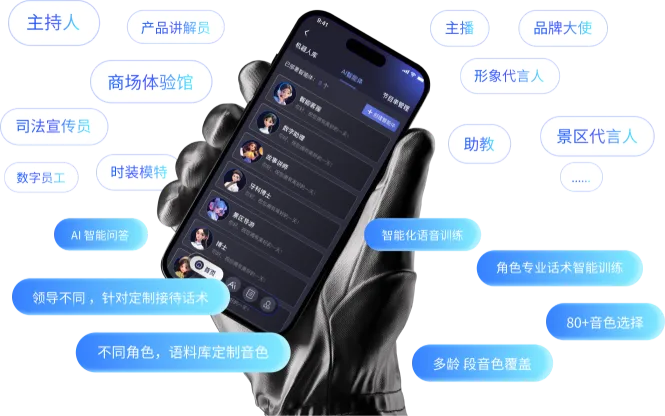
Roles and interaction
Organise the character, expression style and approved content used for reception, explanation or events.

Bring devices, roles, actions and spatial tasks into one clear operating interface
The interface follows a project workflow: connect approved devices and accounts, then configure the roles, content, actions, programmes or spatial tasks required by the application.
The screens illustrate the platform direction. Robot models, firmware, SDK access, network conditions and business-system interfaces must be reviewed before implementation.
Devices & accessRoles & contentActions & tasks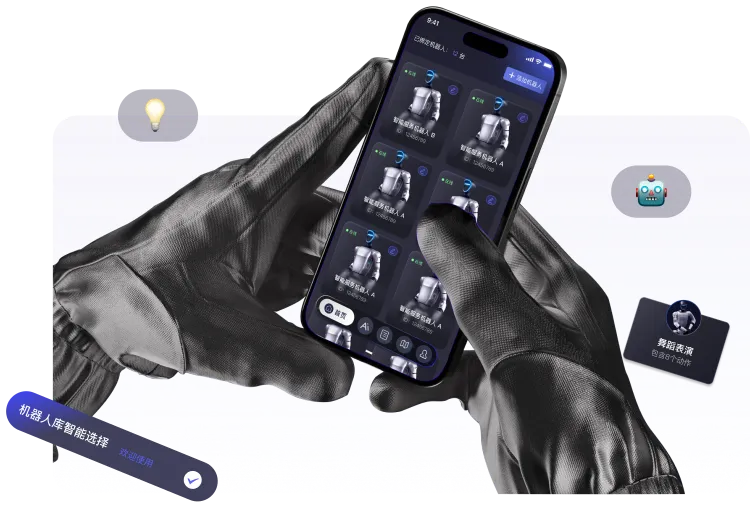
Modules are enabled by project scope; a demonstration screen does not mean that every robot model exposes the same capability.
Organise the character, expression style and approved content used for reception, explanation or events.
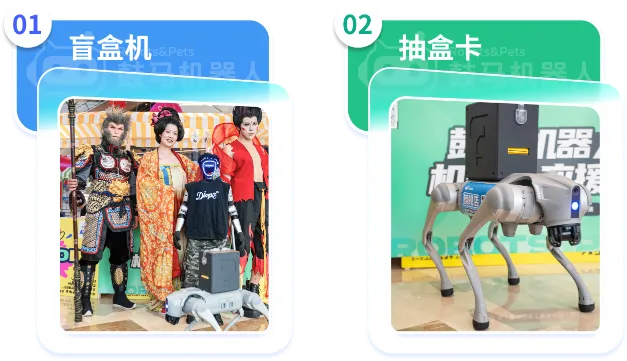
Build an integration list from robot interfaces, site networks, sensors and the target business system.
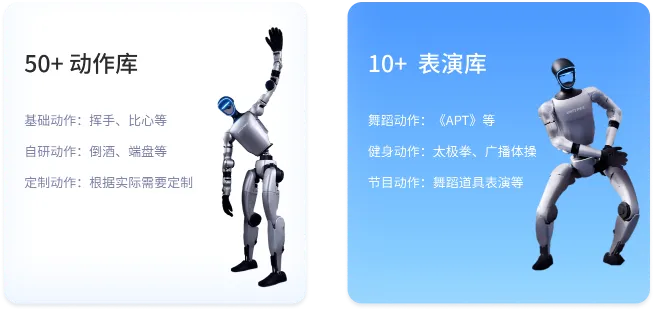
Combine validated actions, speech and wait states into reusable flows with explicit human-control points.
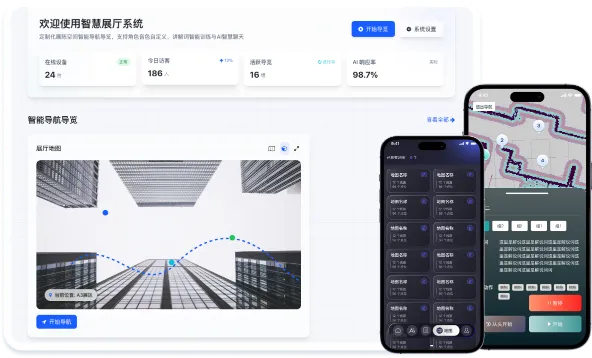
Design task points and routes around the venue; mapping, localisation and navigation depend on site validation.
The mobile interface can bring together robot selection, approved actions, programmes and common controls for events, experience spaces and demonstrations.
It cannot control an arbitrary robot by default. Availability depends on the model, firmware, SDK, network, permissions and the agreed safety process.
On-site controlProgrammesPermissions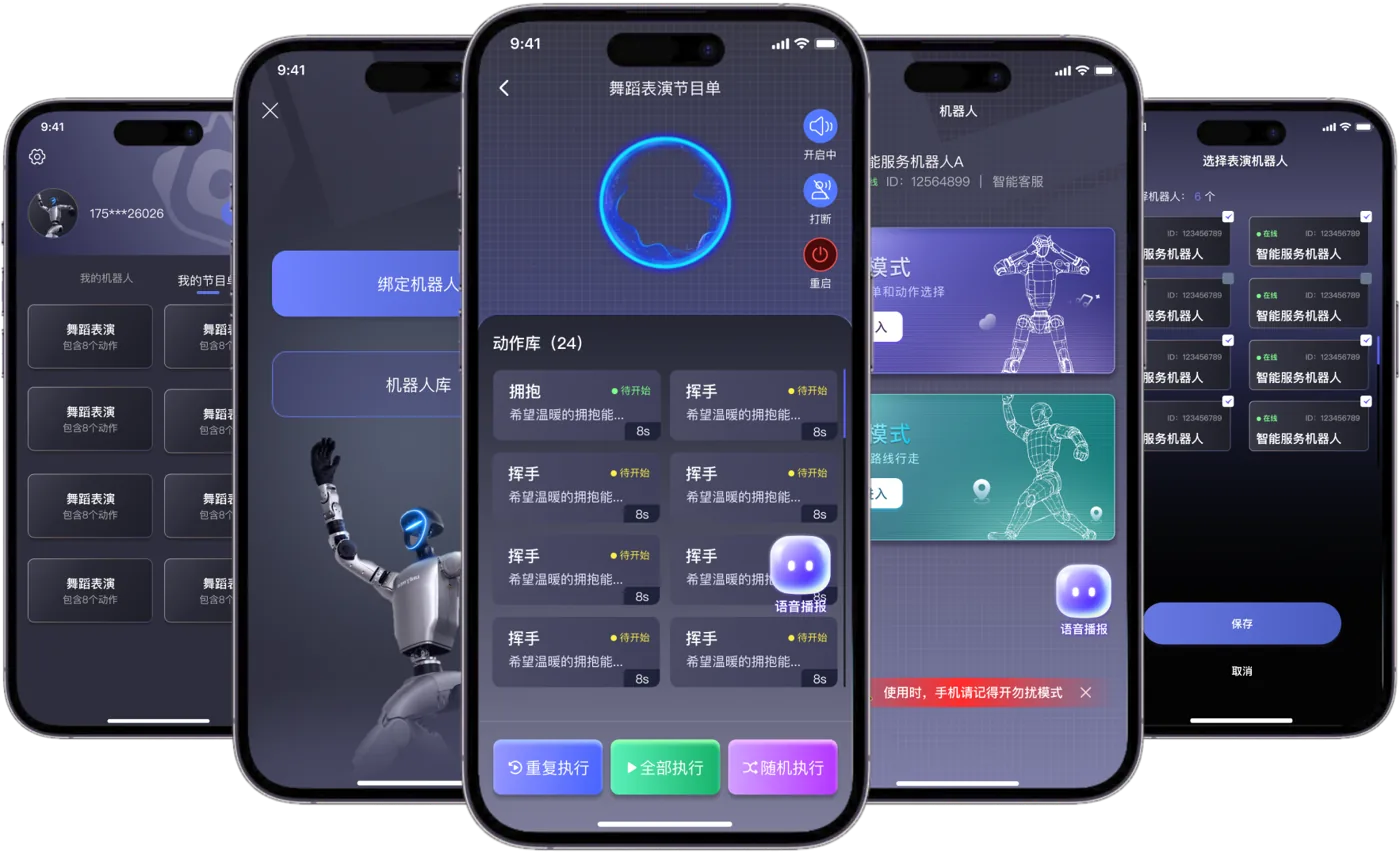
Model, firmware, SDK or ROS interface, available sensors and the permitted integration scope.
Floor plan, terrain, visitor flow, wireless network, charging position and safety boundaries.
Knowledge material, scripts, task flows, system interfaces and the required data or privacy permissions.
Deliverables, test conditions, training users, maintenance, exception handling and change control.
Capability boundary: this page does not promise a fixed delivery period, a fixed feature count or universal compatibility across robot models. Final functions, interfaces, deliverables and acceptance conditions are defined in the written project scope.