01 / 10
Demo 1: Mapping and localization
Demo summary:Shows a point-cloud map, camera view and relocalization area to explain the spatial mapping and localization workflow.
Open the video if playback is unavailable ↗GUMA ROBOTICS
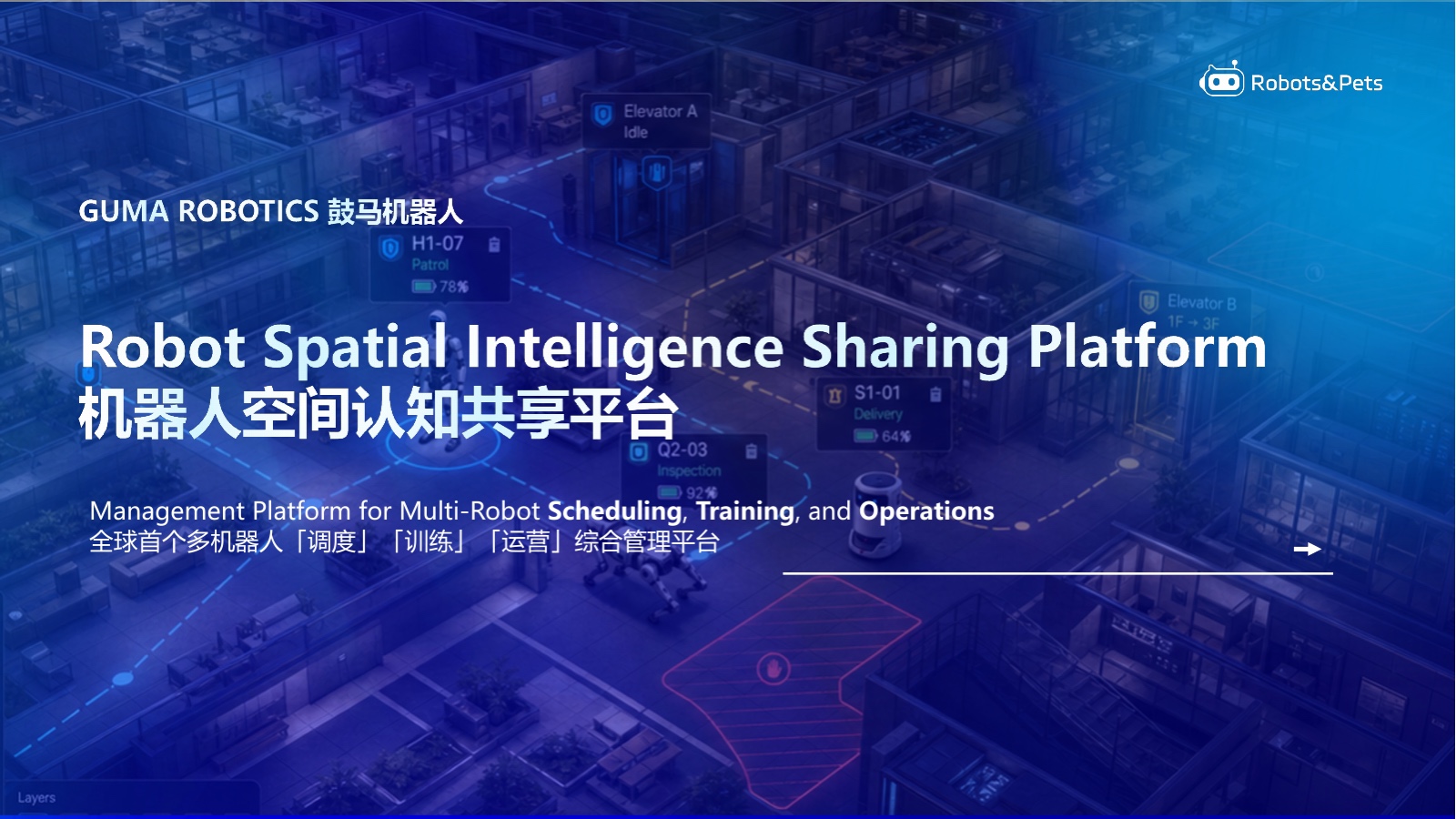
GUMA Robot Studio is a multi-robot management system and operations platform for scheduling, training and deployment, covering shared spatial intelligence, task orchestration, skills, data assets and multiple deployment modes.
Platform Overview
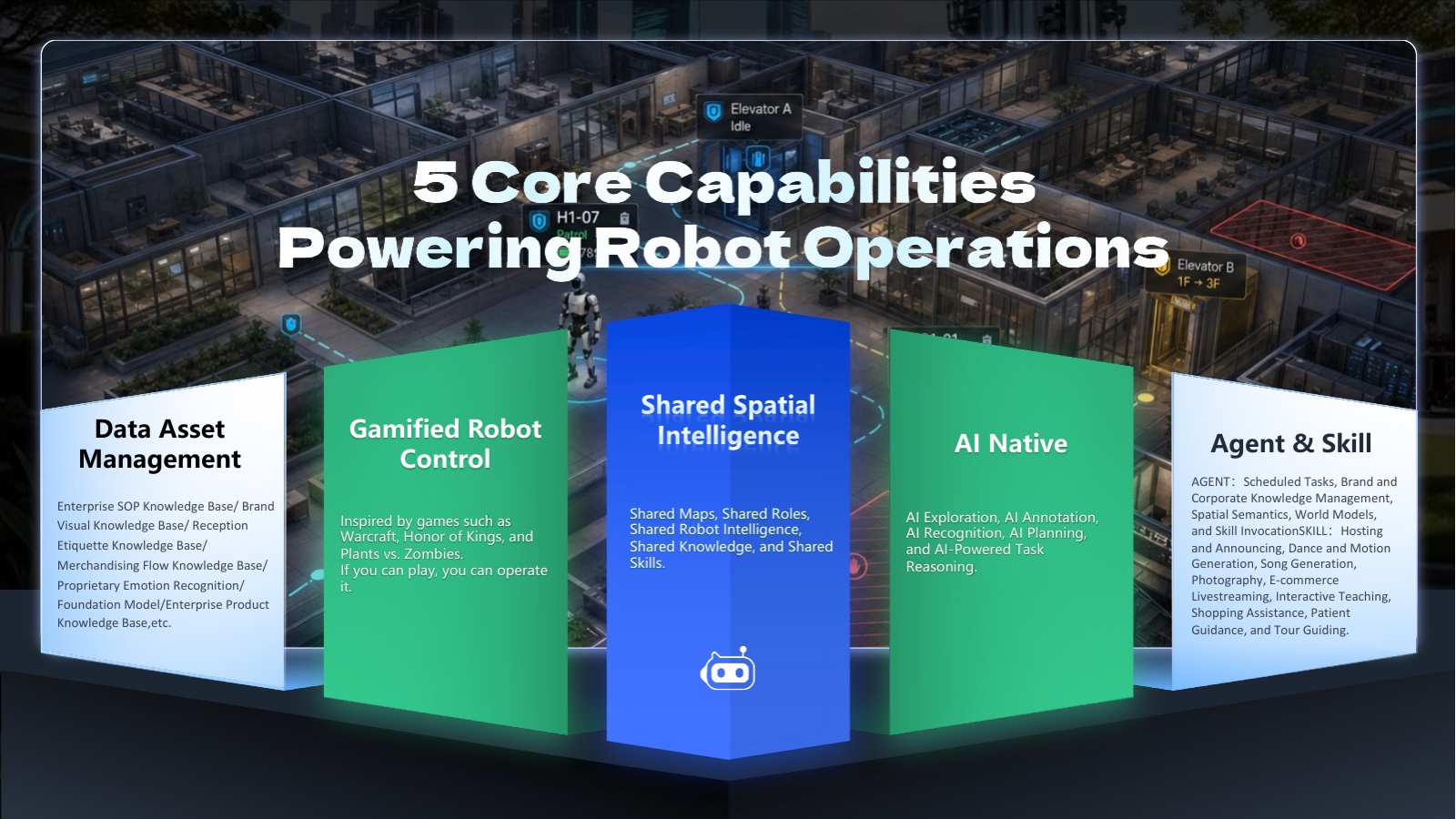
Data asset management, gamified control, shared spatial intelligence, AI Native, and Agent & Skill form the platform capability framework.
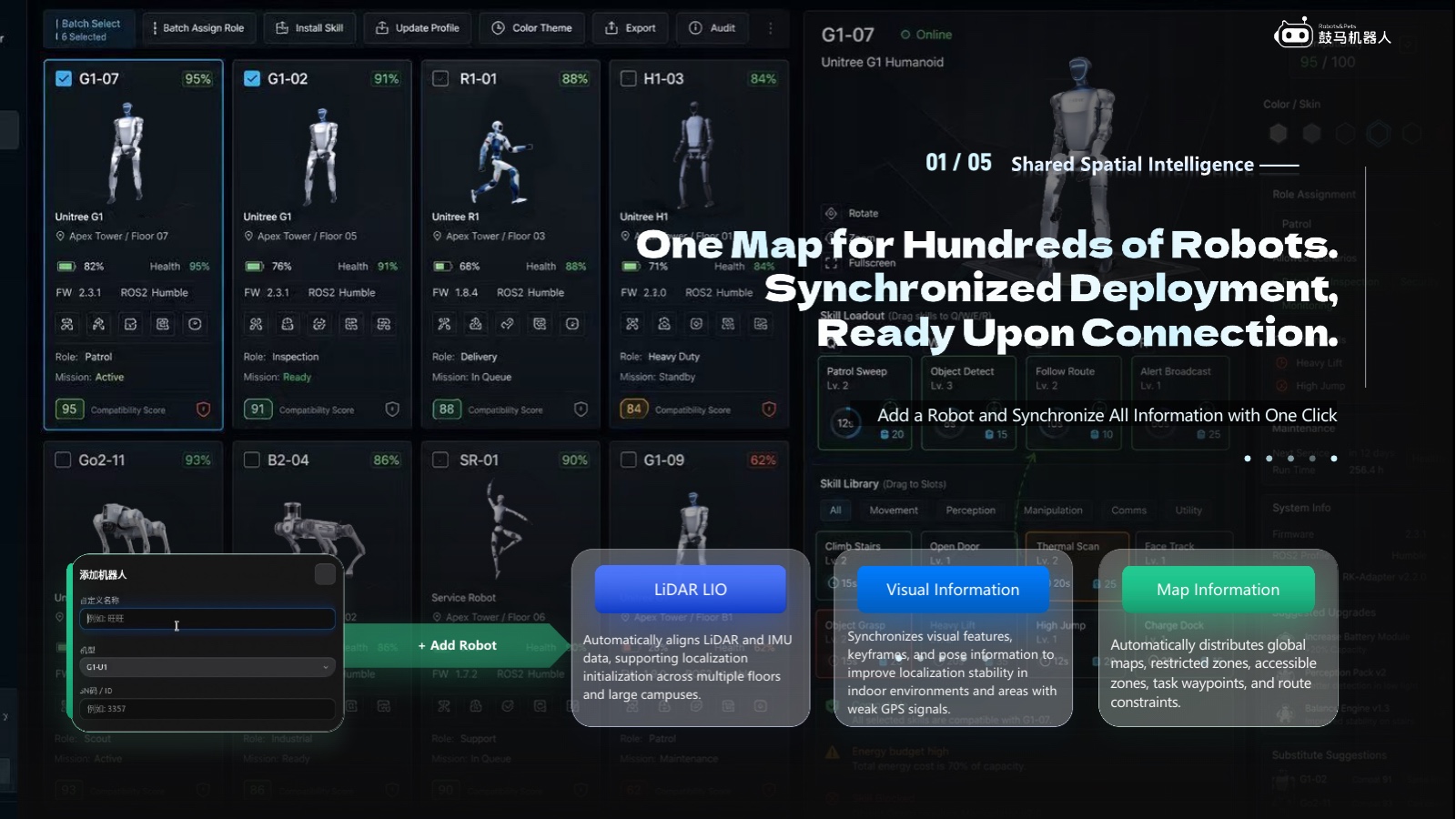
01 / 05 · Shared Spatial Intelligence
The platform coordinates maps, visual information and LiDAR LIO data, including accessible zones, restricted zones, task waypoints and route constraints. Supported fleet size and sensors depend on the deployed version and site validation.
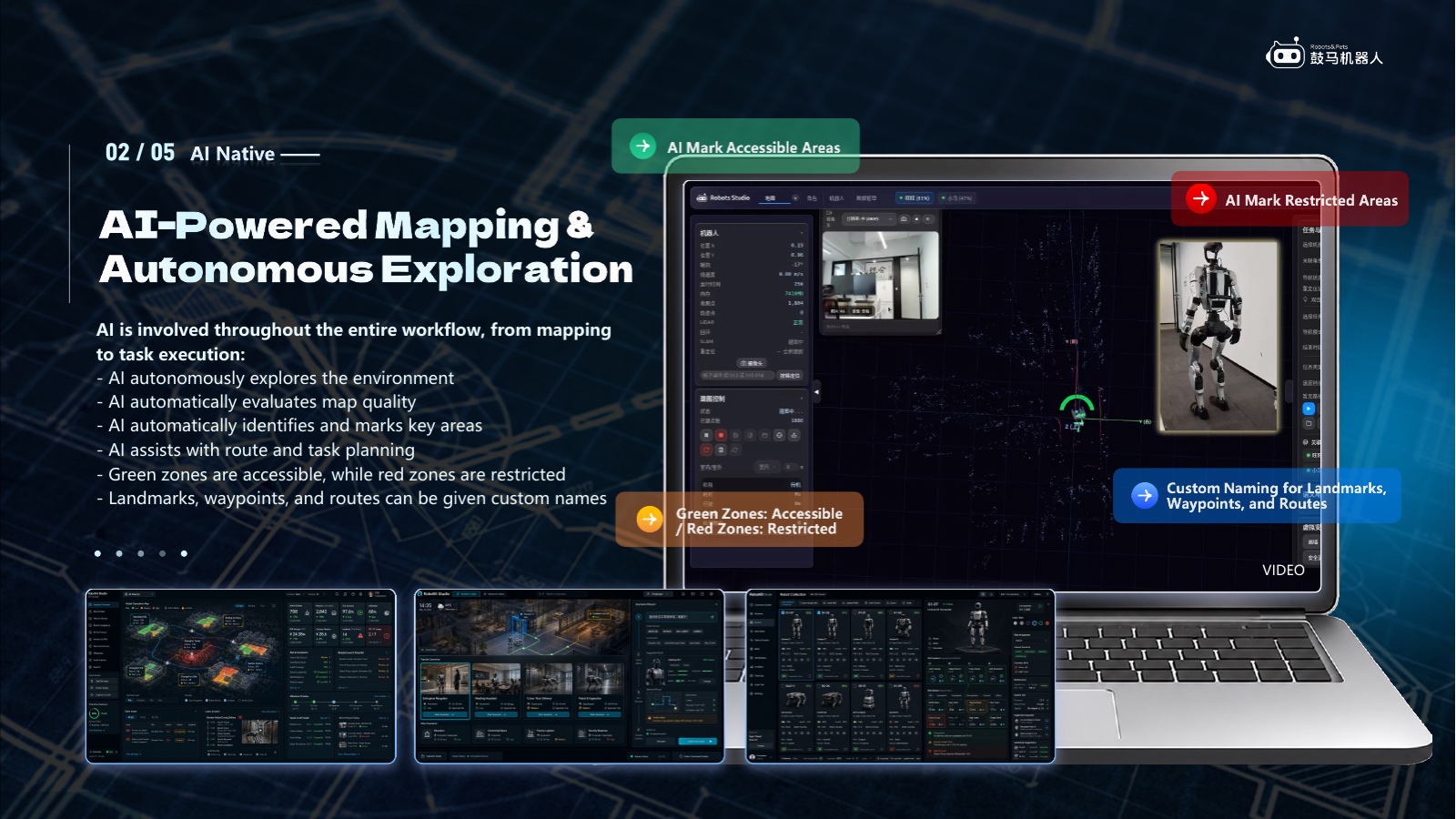
02 / 05 · AI Native
The workflow connects environment exploration, map-quality evaluation, key-area annotation, and assisted route and task planning.
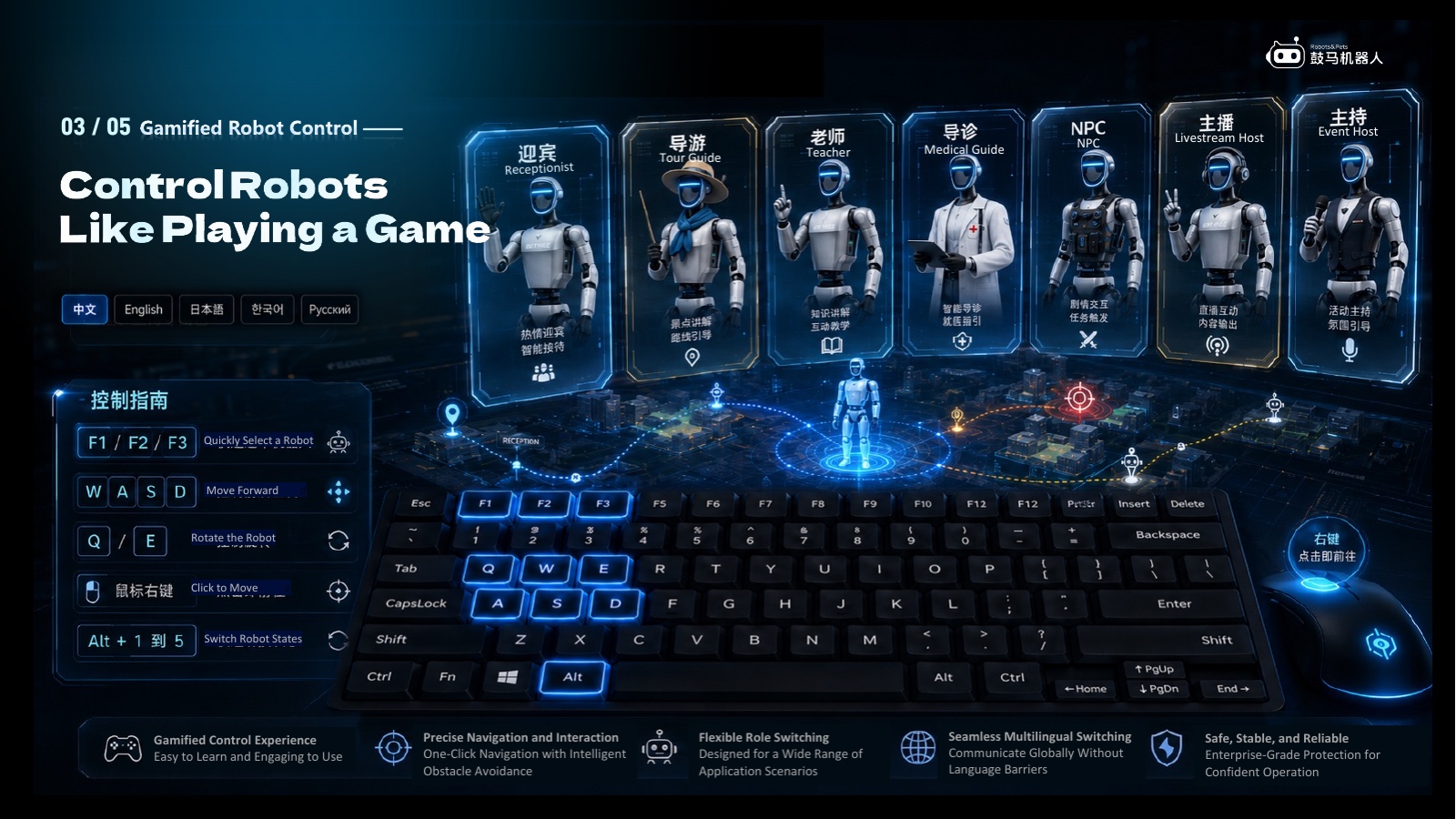
03 / 05 · Gamified Robot Control
Role selection, directional control, click-to-move navigation and state switching are organized into an approachable operating interface.
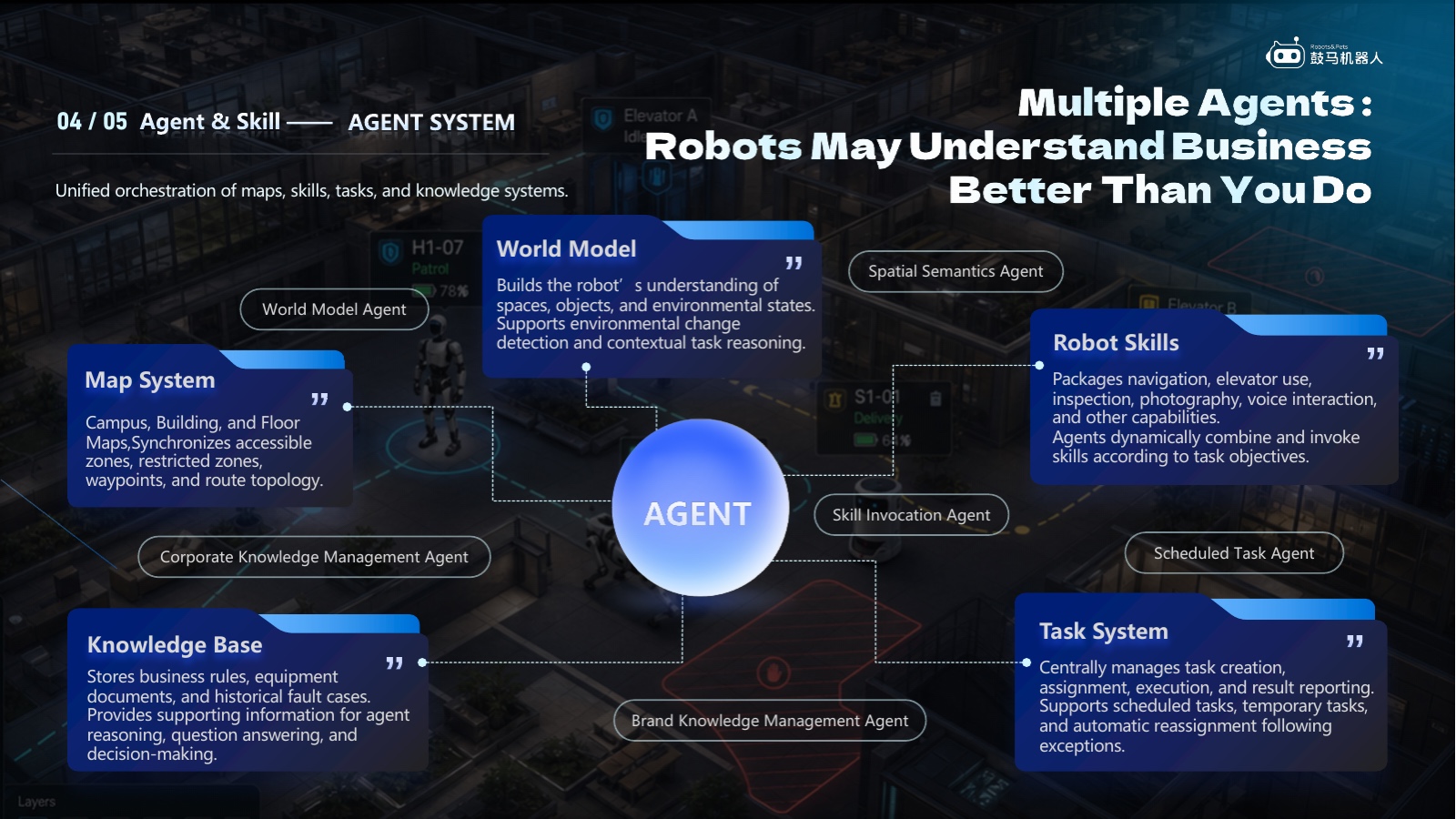
04 / 05 · Agent & Skill
An Agent hub connects the map system, robot skills, knowledge base, world model and task system, subject to project permissions and objectives.
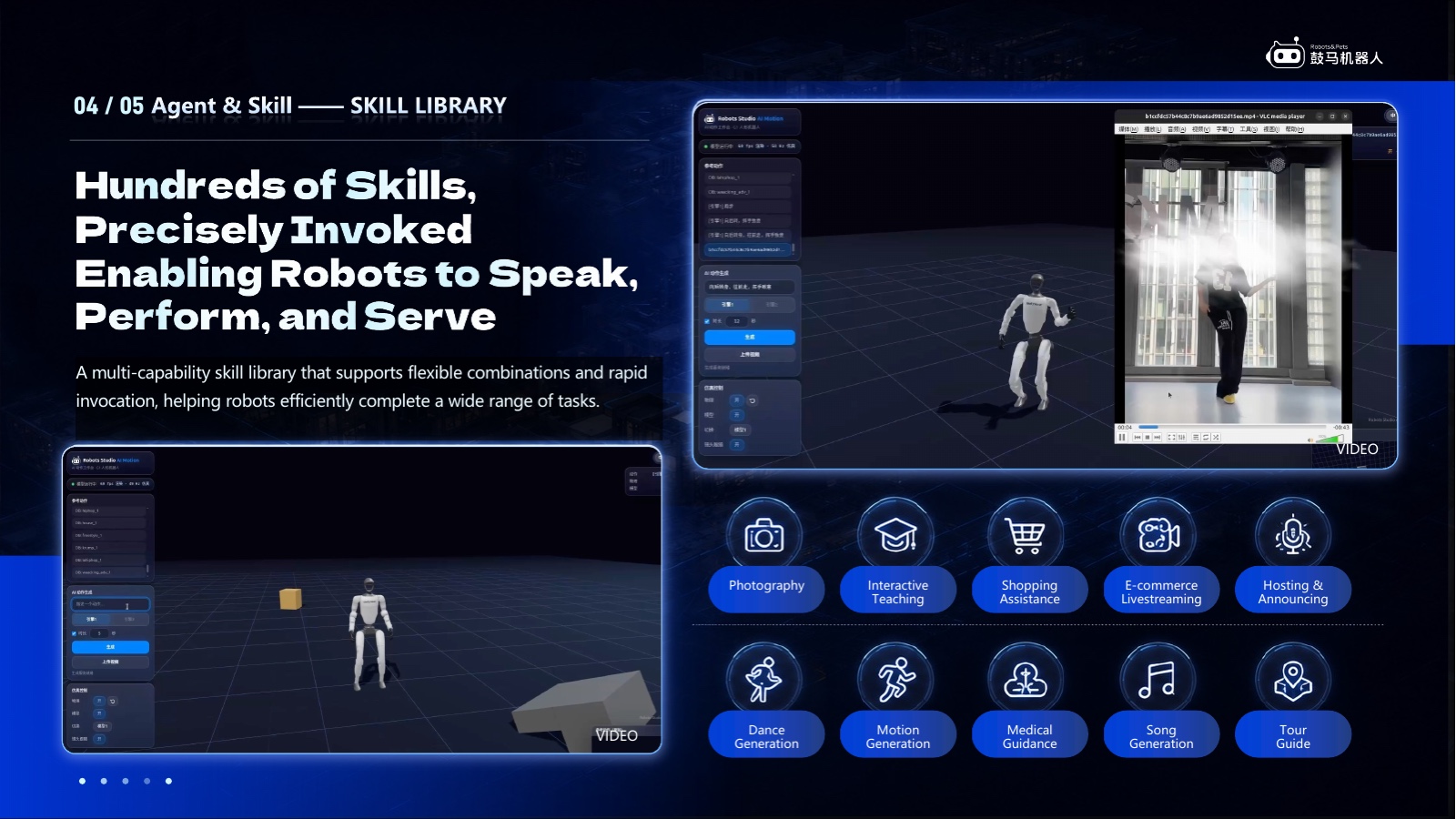
04 / 05 · Skill Library
Hosting, motion generation, photography, teaching, shopping assistance, medical guidance and tour guidance can be configured as skills. Availability varies by robot, software release and project scope.
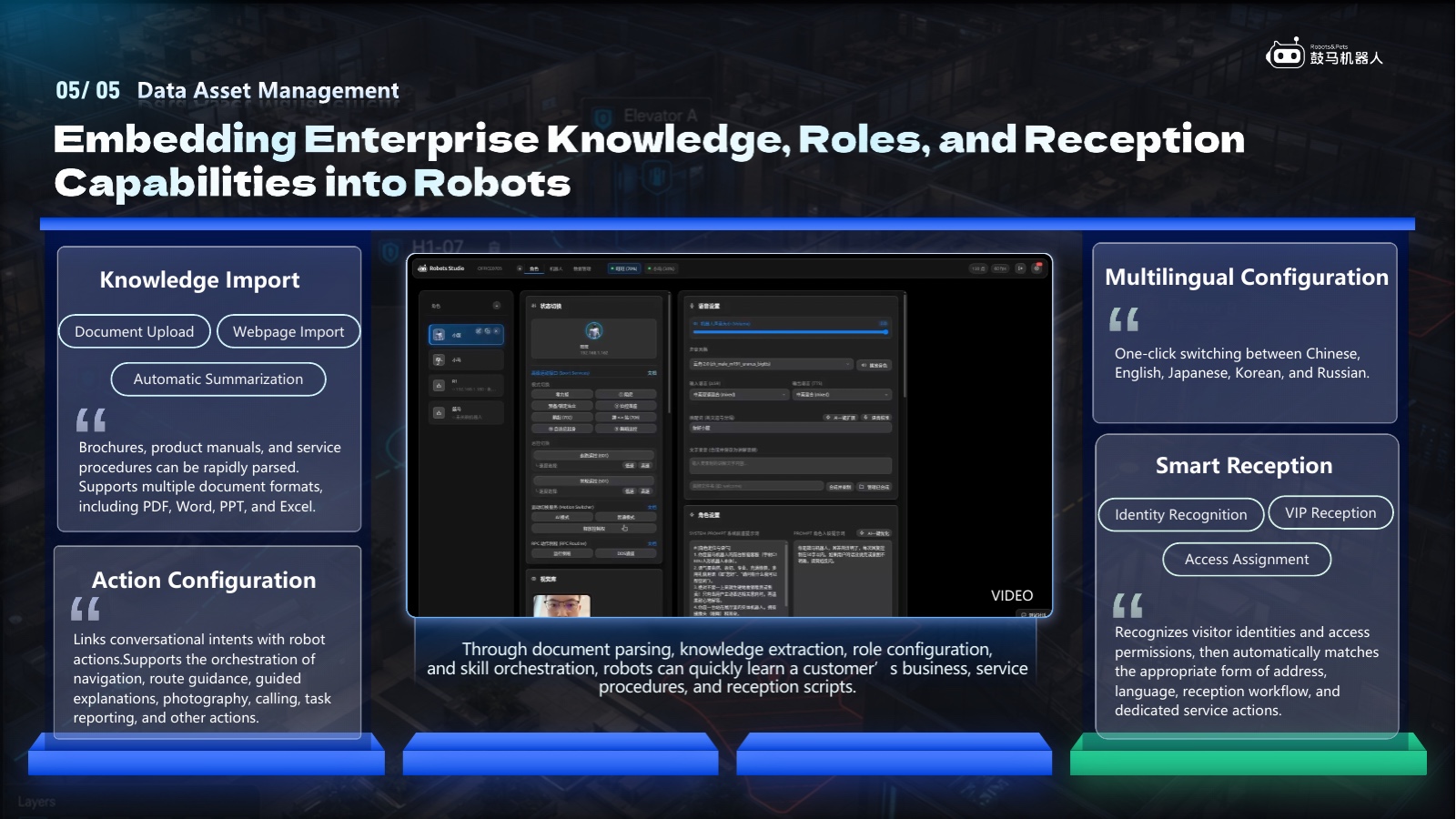
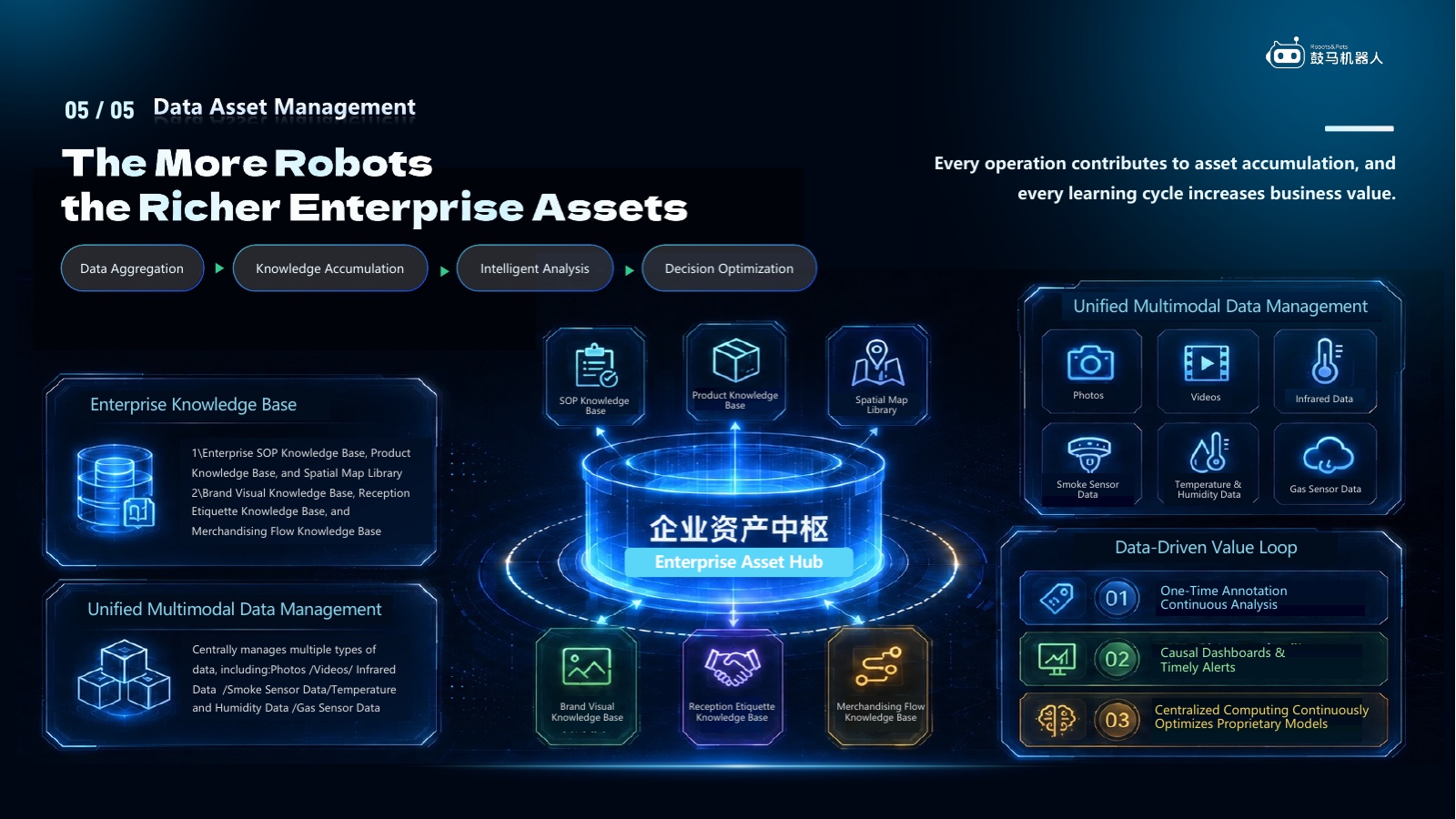
05 / 05 · Data Asset Management
Knowledge import, action configuration, multilingual settings and smart reception convert customer materials, procedures and scripts into operational configurations.
05 / 05 · Data Asset Management
Data aggregation, knowledge accumulation, intelligent analysis, decision optimization and continuous improvement form a traceable enterprise data loop.
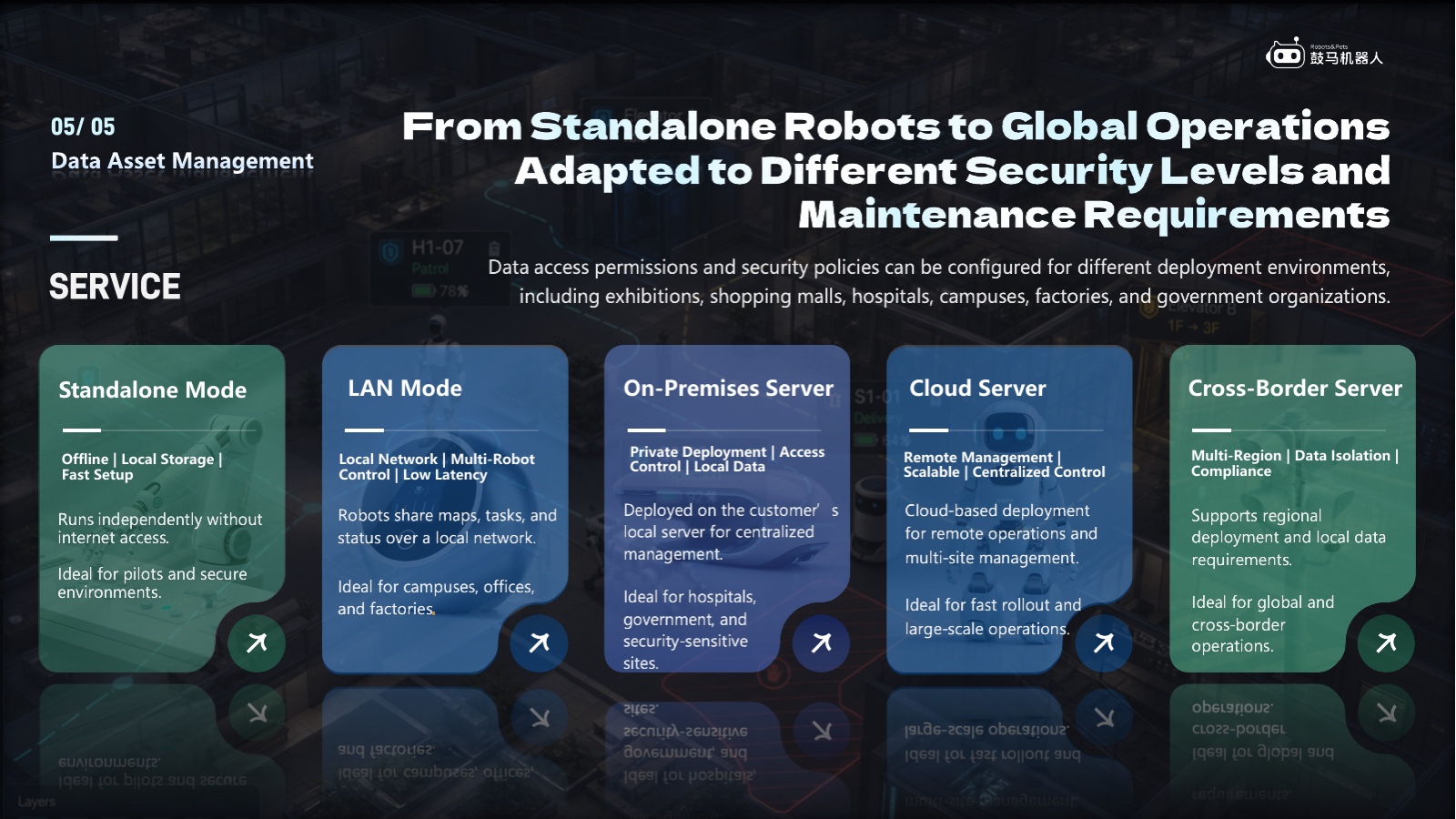
05 / 05 · Service
The platform supports standalone, LAN, on-premises, cloud and cross-region modes. Data access, security and compliance require project-specific assessment.
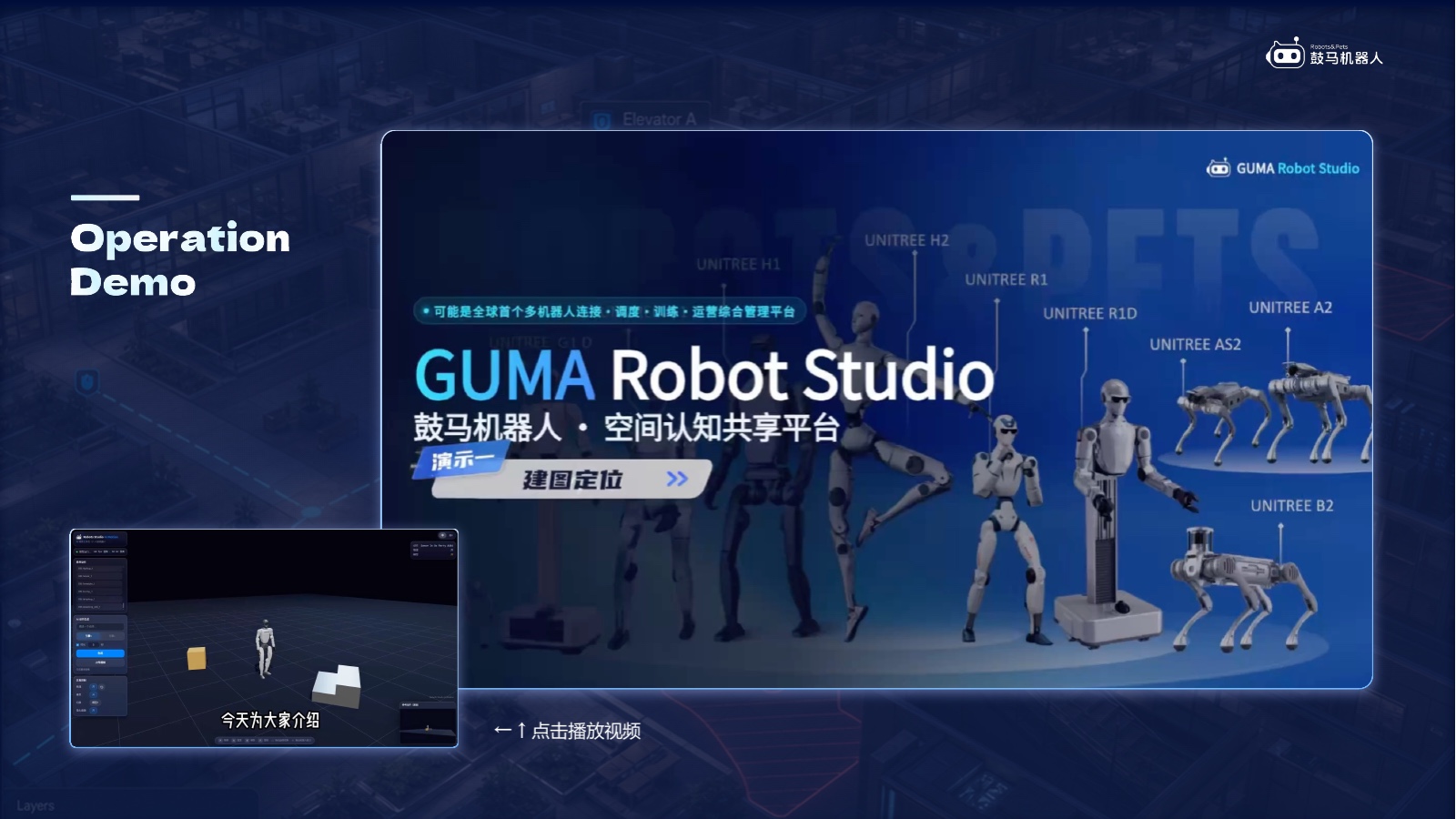
Operation Demo
The ten interface videos below cover mapping, tasks, roles, motion, return, knowledge, vision and multilingual management.
Operation Demo · 10 Videos
Videos do not autoplay. Playback uses byte-range delivery from Alibaba Cloud OSS. Interfaces may change between software releases; validate capabilities in the intended project environment.
01 / 10
Demo summary:Shows a point-cloud map, camera view and relocalization area to explain the spatial mapping and localization workflow.
Open the video if playback is unavailable ↗02 / 10
Demo summary:Shows waypoint creation, map editing and task configuration interfaces.
Open the video if playback is unavailable ↗03 / 10
Demo summary:Shows robot-role, model, prompt and profile configuration.
Open the video if playback is unavailable ↗04 / 10
Demo summary:Shows text- or video-driven motion generation and simulation preview. Results depend on the robot model and validation.
Open the video if playback is unavailable ↗05 / 10
Demo summary:Shows waypoint tasks, execution status and action configuration.
Open the video if playback is unavailable ↗06 / 10
Demo summary:Shows the return command and corresponding interface state.
Open the video if playback is unavailable ↗07 / 10
Demo summary:Shows voice Q&A and robot interaction supported by a configured knowledge base.
Open the video if playback is unavailable ↗08 / 10
Demo summary:Shows vision, networked information and robot interaction. Identity and privacy features require authorization and compliance review.
Open the video if playback is unavailable ↗09 / 10
Demo summary:The first part shows gesture recognition; the second shows restricted-zone and hidden-waypoint editing.
Open the video if playback is unavailable ↗10 / 10
Demo summary:Shows account and map management, robot configuration, and multilingual interface settings.
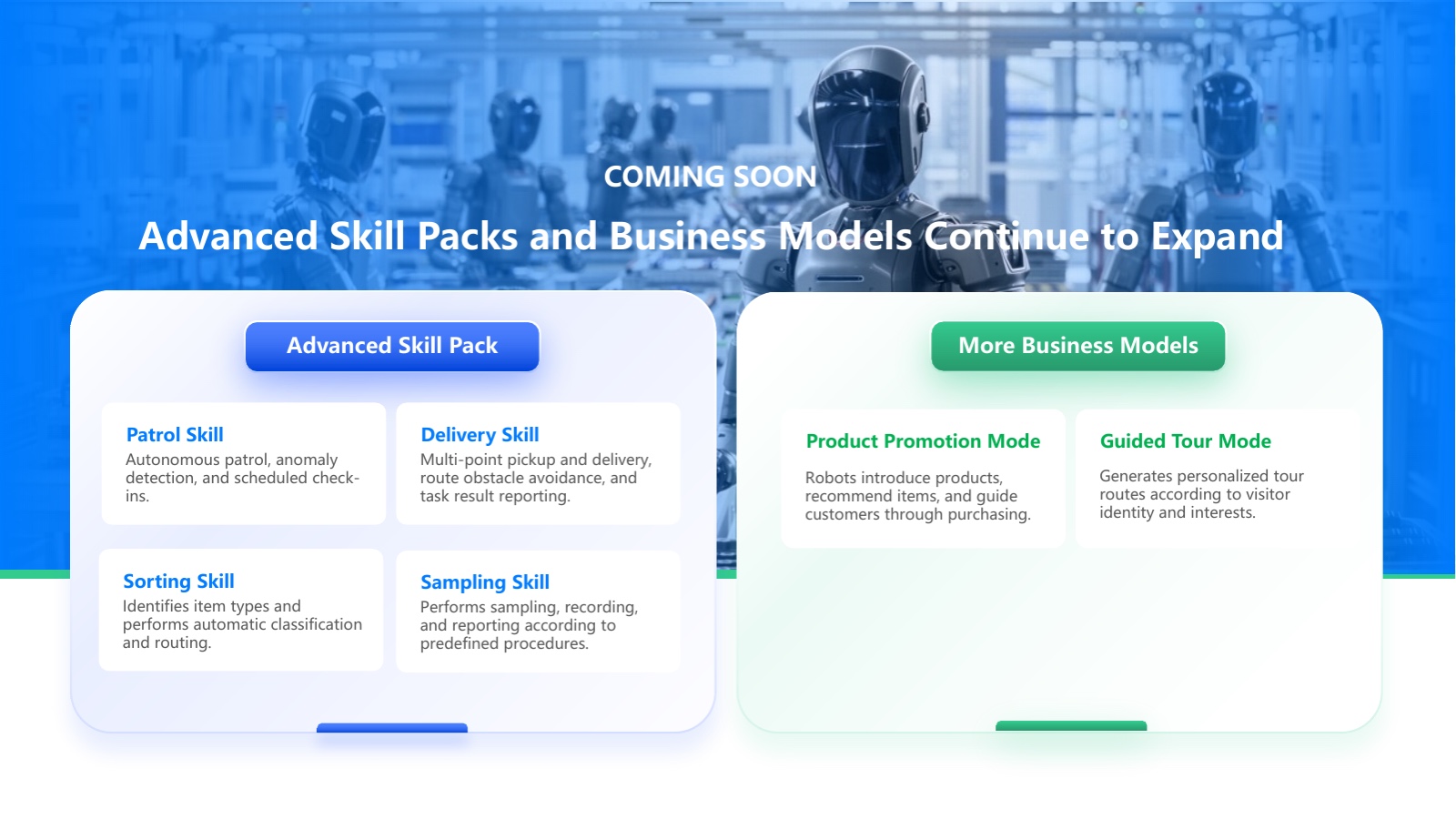
Open the video if playback is unavailable ↗Coming Soon · Roadmap
Patrol, delivery, sorting, sampling, product promotion and guided-tour concepts are planned capabilities. Availability depends on the current release, robot model, site and project acceptance.
Roadmap content, not a current delivery commitment
Contact Us
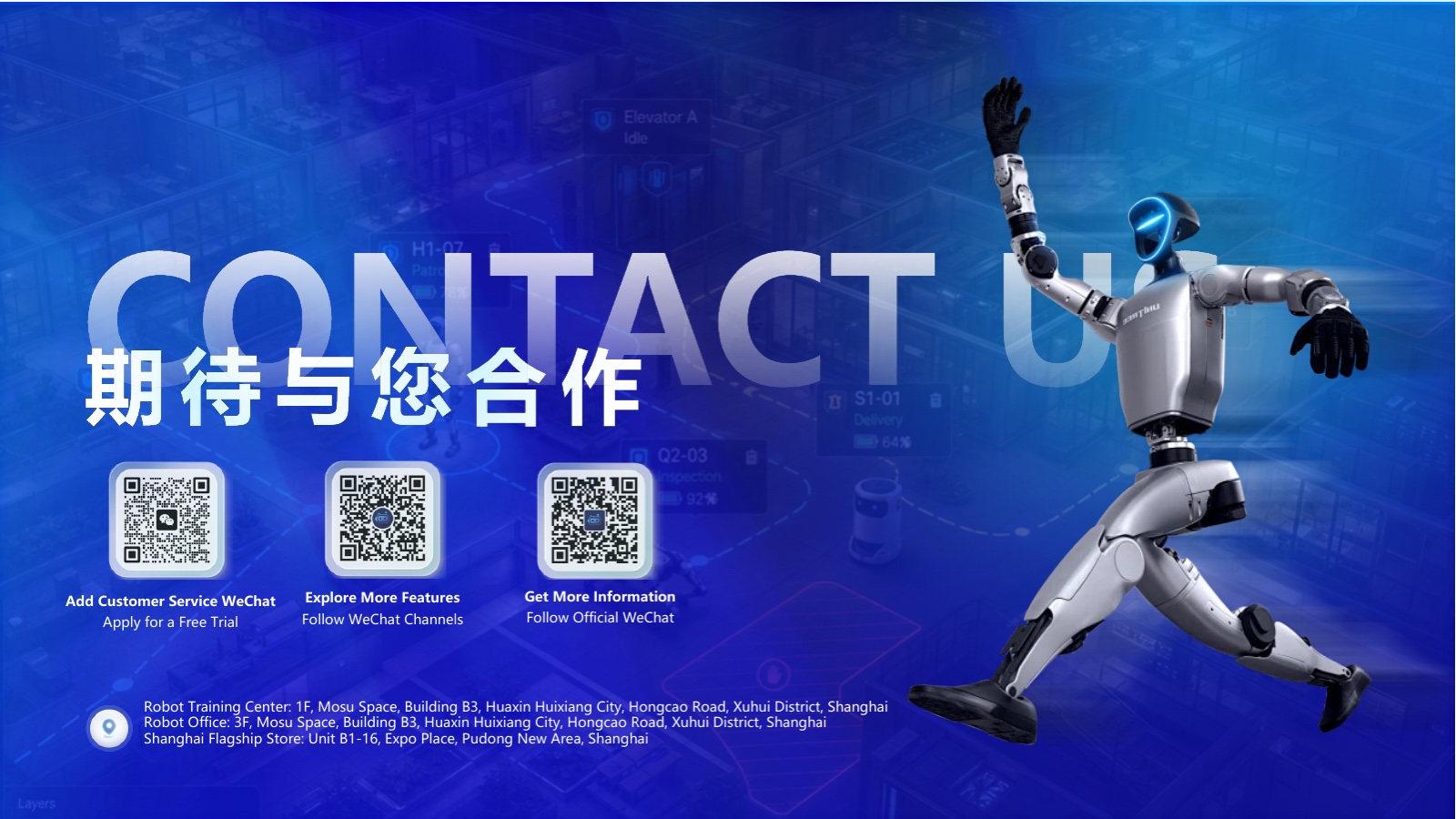
Use the customer-service, WeChat Channels or official-account QR codes, or submit the website form to discuss trials, deployment and robotics systems integration.
Project Brief
Share the robot models, fleet size, site, network and data boundaries, target date, and business systems to be integrated. We will first define what can be validated.
Simulation only; no real robots or customer data